
Mark Thurman
Head of Growth, Empire Amplify
Fifteen years in search and digital growth across Australia and Asia. Walks through what's changed and why it matters.
BusinessAI Lunch & Learn · Wednesday 11 November 2026 · 12 to 1pm AEDT
Your customers stopped typing. They started asking.
Your customers are asking ChatGPT and Claude the questions they used to type into Google. The difference is Google gave them ten links to compare. AI gives them one answer and two or three names. In this session we check whether your name comes up, and fix the reason it doesn't.
Head of Growth, Empire Amplify
Fifteen years in search and digital growth across Australia and Asia. Walks through what's changed and why it matters.

Head of Experience, BusinessAI
Runs the live build on screen and hosts the room.

Short preview coming soon.
Replay goes up here straight after the session.
What's changed
Then · Typed into Google
plumber paddington
Ten blue links. They click around and compare.
Now · Asked of ChatGPT or Claude
“Who's a good plumber near Paddington who can come today, and roughly what will a blocked drain cost?”
One answer. Two or three names.

If you're not one of those names, you don't get the call.
Your website, your Google profile, reviews, directories, anywhere people talk about you.
A plain, specific answer to the exact question. Fluff gets skipped.
01
We take five questions your customers actually ask, run them through ChatGPT, Claude and Google, and write down who gets named. You leave with a score out of 30 and the names of whoever is turning up instead of you.
02
Most websites say “we pride ourselves on quality service”, and AI has nothing to quote. We fix one of your pages live: real questions as the headings, straight answers up top, actual prices and timeframes. You copy it back onto your site.
03
AI interviews you, you talk, it writes. Then a 30 minute weekly routine so you keep adding one instead of letting it go quiet after the session.
Do's and don'ts
Follow along
Step 1 of 3
Choose five customer questions, test them in three AI tools, then record your score.
Go to step 1Step 2 of 3
Rewrite the page with real answers, then add and check its business details.
Go to step 2Step 3 of 3
Let AI interview you, write your answer page, then check it before publishing.
Go to step 3Step 1 of 3
Run your top five customer questions through ChatGPT, Claude and Google's AI Overviews, and score whether your business gets named.

What you're doing. Writing down the questions customers ask, in their words. These are what you’ll test, and what you’ll write pages for later.
Tip. Better still, paste in your last 20 enquiry emails and ask it to pull out the questions.
I run a [business type] in [suburb, city], Australia.
My customers are [who they are].

List 10 questions a customer would ask ChatGPT before choosing a business
like mine. Write them the way a real person talks, not as search keywords.
Include:
- 3 "who should I use" questions that mention my area
- 3 questions about price
- 2 comparing two options
- 2 that start with a problem they have

Then pick the 5 that matter most for winning new customers, and tell me why
in one line each.
Open chatgpt.com and start a new chat. Paste question 1. If it doesn’t search the web, add “search the web” to the end. Note who it names and the sites it links to.
Open claude.ai and start a new chat. Check web search is switched on. Paste question 1. Note who it names and the sources it cites.
Open a private or incognito window. Search the question on google.com.au. Look for the AI Overview box at the top. Note who it names and the source links.
Put your five questions in the scorecard below. For each AI tool, record whether it named your business, linked to your site, or did neither.
You're named or recommended
Your site is a source, but you're not named
Not there at all
First Monday, same questions, same three tools
Your AI visibility
ChatGPT
0 / 10
Claude
0 / 10
Google AI
0 / 10
Grand total
Stays in your browser. We never see it.
What you're doing. Asking the AI to explain its own answer. It’s not a peek at the algorithm, but it shows you what it read and trusted.
Tip. Run it in the same chat, straight after the answer, so it remembers what it found.
You recommended [competitor names] for this question: "[the question]"

Why them? What did you find on their websites, or anywhere else online,
that made them a safe pick?

My business is [name], website [URL].
What's missing from my website, or from the rest of the web, that stopped
you naming me? Be specific. List the top 5 things to fix, most important
first.
Step 2 of 3
Choose the service page you had ready, and use the five questions from step 1. We rewrite a volunteer's page live while you work on your own.
Before
Welcome to [Business]. We are a family-owned company that prides itself on quality workmanship and outstanding customer service. Whatever your [service] needs, our friendly team is here to help. Contact us today for a free quote!
Nothing here answers a question. AI has nothing to lift.
After
Most [service] jobs cost between $[] and $[], including [what's included]. The price mainly depends on [factor 1] and [factor 2]. A typical job takes [time], we cover [suburbs], and we can usually book you in within [timeframe].
A question as the heading. The answer in two lines. Real numbers.

01
Swap “Our Services” for the question a customer actually asks, like “How long does a [service] take?”
02
Answer first, explain after. If someone read only those two lines, would they have the answer?
03
Price ranges, what's included, what changes the price, the steps, how long it takes, the areas you cover.
04
Licence numbers, years in business, a real job example, reviews that mention the service and the suburb.
“Call for a quote” is an answer AI can't use. Nervous about publishing prices? Publish a range, and say what moves it up or down. That's exactly what customers ask, and exactly what AI quotes.
What you're doing. Rebuilding a page you already have around customer questions. AI does the rewrite, you supply the facts.
Click by click. 1. Copy all the text on your page. 2. Paste it in with this prompt. 3. Fill in every [CONFIRM]. 4. Paste it back on your site.
Here's the text from one of my service pages:
[paste the page text]

Customers ask me these questions about it:
[paste your 5 questions]

Rewrite the page so an AI assistant could quote it:
- Make each heading a question a customer would ask
- Answer it in the first two sentences. No warm-up.
- Include a price range, what's included, what changes the price, the steps,
  how long it takes, and the areas we cover
- If you need a fact I haven't given you, write [CONFIRM: what's needed].
  Never make one up.
- Plain words, short paragraphs, Australian spelling
- End with 5 short FAQs and answers
A small block of code on your page that tells search engines and AI exactly who you are, what you do and where. Customers never see it.
Your name, address, phone, hours and the areas you serve. Use your industry's type if there is one, like Plumber or Dentist.
What this page sells, where you offer it, and the price range.
The questions and answers at the bottom of your reworked page.
What you're doing. Getting the code written for you, then checking it before it goes on your site.
Click by click. 1. Run the prompt. 2. Paste the code into validator.schema.org. 3. Fix anything it flags. 4. Add it to your page, or send it to your web person.
Write JSON-LD schema markup for my service page.
Use LocalBusiness (or the more specific type for my industry), Service,
and FAQPage for the FAQs.

My details:
Business: [name, address, phone, website]
Hours: [hours] · Areas served: [suburbs]
Service: [service] · Price: [$__ to $__]
FAQs: [paste the FAQs from your new page]

Only use details I've given you. Give me one code block, then explain in
plain English how to add it to a [WordPress / Wix / Squarespace / Shopify]
site.
Step 3 of 3
Pick one of your customer questions from step 1, ideally one you answer on the phone every week. Turn it into a new answer page using your own experience.
Pick the one question you answer on the phone every week. It's the one you know best, and usually the one nobody in your area has answered properly online.

What you're doing. Getting your real experience out of your head and onto the page. That’s the part competitors and generic AI copy can’t fake.
Tip. Answer by voice. Talk it through like you would on the phone. It’s faster and it sounds like you.
I want a page that answers this customer question: "[the question]"
I run [business] in [city].

Before you write anything, interview me. Ask 8 questions, one at a time, to
get the detail only I'd know: real prices, what changes them, a recent job,
common mistakes, and what I tell people on the phone.

After my last answer, write the page:
1. The question as the title
2. The answer in the first two sentences
3. What changes the answer
4. A real example
5. Mistakes to avoid
6. Five short FAQs

Around 800 words, plain words, Australian spelling.
Mark anything you're not sure of [CONFIRM].
What you're doing. Making a Project that remembers your business, your questions and your rules, so you never start from scratch.
Click by click. 1. In Claude or ChatGPT, open Projects and create a new one. 2. Name it “Answer pages”. 3. Paste this into its instructions. 4. Add your price list as a file.
You help me write answer pages for [business] in [city].
We do [services] for [type of customer].

QUESTIONS WE'RE WORKING THROUGH
[paste your list of 10 to 20 customer questions]
Done so far: [list]

EVERY ANSWER PAGE
Question as the title. Answer in the first two sentences. Then: what changes
the answer, a real example, mistakes to avoid, five FAQs.

RULES
Interview me first. Plain words, Australian spelling.
Never invent a price or fact: write [CONFIRM].
What you're doing. Choosing one question from your latest customer enquiries.
Tip. Open the Answer pages Project you just created. Paste this prompt with your latest enquiries.
Here are this week's enquiries: [paste]. Any new questions for my list?
Then pick the one most likely to win us work this month.
What you're doing. Turning that question into an answer page using your real experience.
Tip. Stay in the same Project chat. Run this prompt, answer the interview questions, then check the draft's facts.
Interview me about that question, then write the answer page.
What you're doing. Turning your checked answer into three short pieces you can share.
Tip. Stay in the same chat and run this prompt after checking the page. Add the published page's link before sharing the posts or email.
Turn this page into a Google Business Profile post, a short email to past
customers and a social post. Link each one back to the page.
Finish here
Sample files
The six setup prompts and three weekly prompts, in the same order as the page.
Download text fileA plain text version of the scoring table you can print or paste into a doc.
Download text fileThe four fixes and the pre-publish checks on one page.
Download text fileBonus
Every service, every area, real photos and the right categories. Keep it current.
“Fixed our hot water in [suburb] same day” beats “Great service”. Ask customers to mention the job.
ChatGPT's search uses Bing among its sources. Both are free and quick to set up.
Ask your web person to check your robots.txt isn't blocking OAI-SearchBot, Claude-SearchBot or PerplexityBot.
Industry associations, local directories, “best of” lists and local news. AI trusts businesses other people talk about.
Identical name, address and phone on every listing, so AI is sure it's the same business.


A landscaping and retaining wall supply business, Melbourne
Before. Their site had a services page and a contact form. Asked “how much does a retaining wall cost per metre in Melbourne”, AI named three competitors and a national chain.
After. One page answering that exact question, with a real range, what pushes it up, and a job they'd done. Question as the heading, answer in two lines.
What to measure. Your score out of 30 before and after, and where enquiries say they heard about you.
An outdoor living and blinds retailer
Before. Every service page ended in “call for a quote”. Nothing for AI to lift, so it lifted from the competitors who published ranges.
After. Published ranges with the factors that move them, plus installation timeframes. The thing they were nervous about turned out to be the thing getting quoted.
What to measure. How often your site shows up as a source, even when you're not named yet. That's the step before being named.
A disability support provider
Before. Plenty of five-star reviews, all of them saying “great team, highly recommend”. Nothing an AI could tie to a service or a suburb.
After. They started asking people to mention the service and the area. Within a few months the reviews gave AI something specific enough to quote.
What to measure. Count how many of your last 20 reviews name a service or a suburb. Then count again in three months.
“Bloody hell. I wasn't expecting to feel this confident, this soon, using AI in my business.”
Business Owner, Outdoor Living & Blinds Retailer
“I was pretty impressed. If you think about it, that's probably tens of thousands of dollars and 2 to 3 months of agency work, done in about 2 and a half hours.”
Director, Home Improvement & Construction
15 min
Five questions, three AIs. Write down your score out of 30 and who got named instead.
45 min
Question headings, the answer up top, real prices and process. Then add the schema.
30 min
Your most-asked question, written from your own experience. Then repeat weekly.
Rerun the scorecard on the first Monday of next month, and see what moved.
At a glance
30
the score you leave with
3
AI tools checked
9
copy-paste prompts
1
page fixed live on the call
0
coding
30 min
a week to keep it going
Ask a question anytime below and we'll respond ASAP.
Every Lunch & Learn we have run, with the workbook page for each one. Free to use, no sign-up.
Guy Franklin, Brandon Burns

John Mayers, Brandon Burns

Charlotte Hall, Brandon Burns
Rhys Henderson, Brandon Burns
Brandon Burns
Brandon Burns
Josh Telford, Brandon Burns
BusinessAI

Brandon Burns
Brandon Burns

Brandon Burns

Brandon Burns

BusinessAI

BusinessAI

John Mayers, Rhys Henderson
Straight from our weekly Q&A
Use AI for hyper-personalised outreach and to query your ad performance in plain language, so you're not relying purely on an agency for insight.
Turn off delete permissions on connected tools and use Claude's approval workflow, so nothing happens without a review first.
Record a repetitive task once as a Claude skill, then just say "do the thing" and Claude runs the whole workflow from there.
Meet the team

Aaron Sansoni
Founder
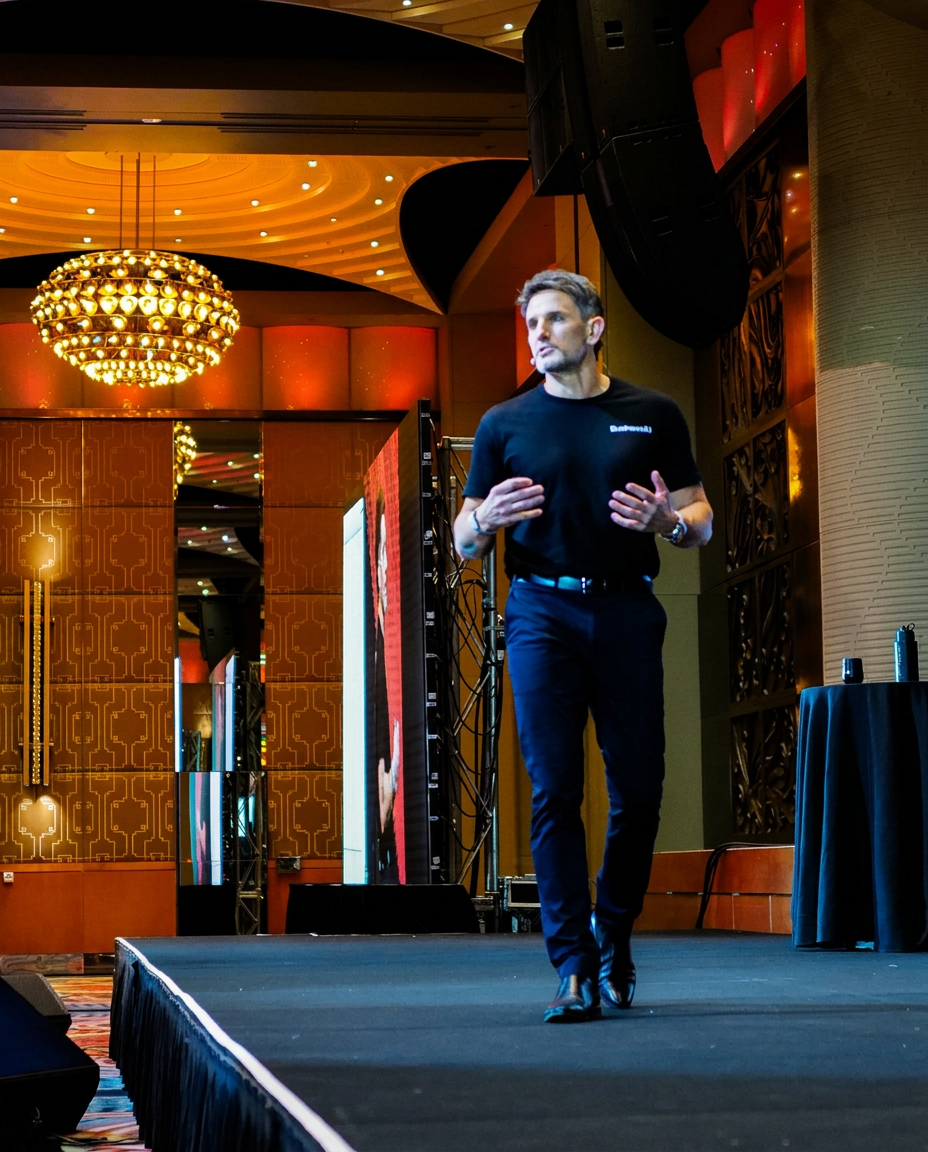
Rhys Henderson
Chief Executive

Charlotte Hall
VP People & Performance

Arsedian Ivan
Director of AI & Product

John Mayers
Director of Consulting

Fergus Lundy
Director of Sales
Brandon Burns
Head of Experience

Josh Telford
Senior AI Strategy Consultant

Marty Astbury
AI Strategy Consultant

Brayden Tayler
Technical Product Manager

Mariella Liezl Perez
AI Engineer

Brendan Coyne
AI Growth Partner

Jacob Kearnes
AI Growth Partner
You don't need to fix everything. Five questions, three AI tools, one number written down. Then fix the one page that costs you the most work. If you'd rather we ran it with you and mapped out the rest, that's a conversation.